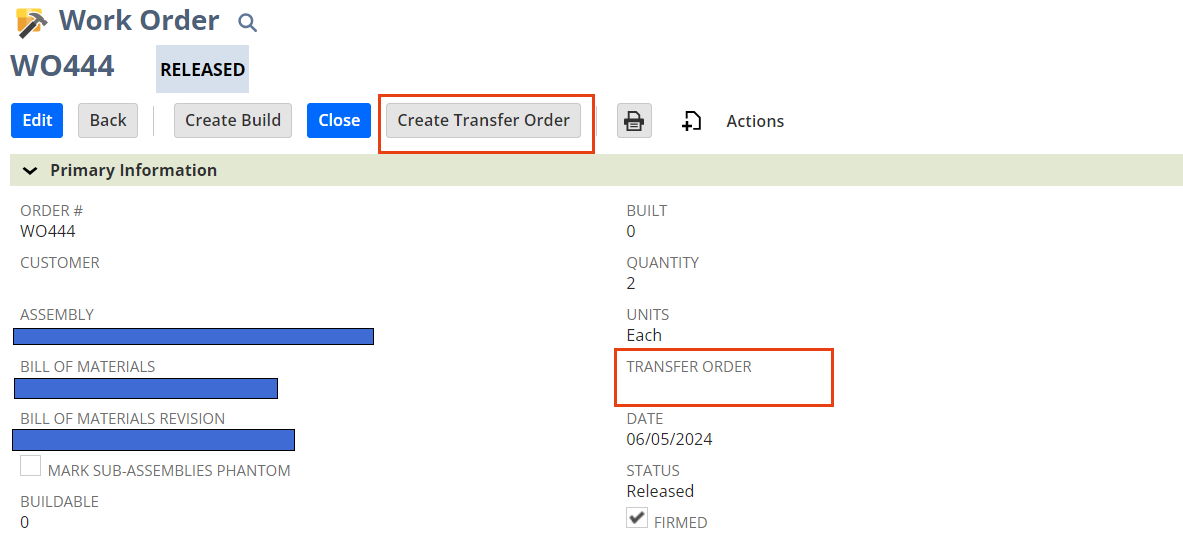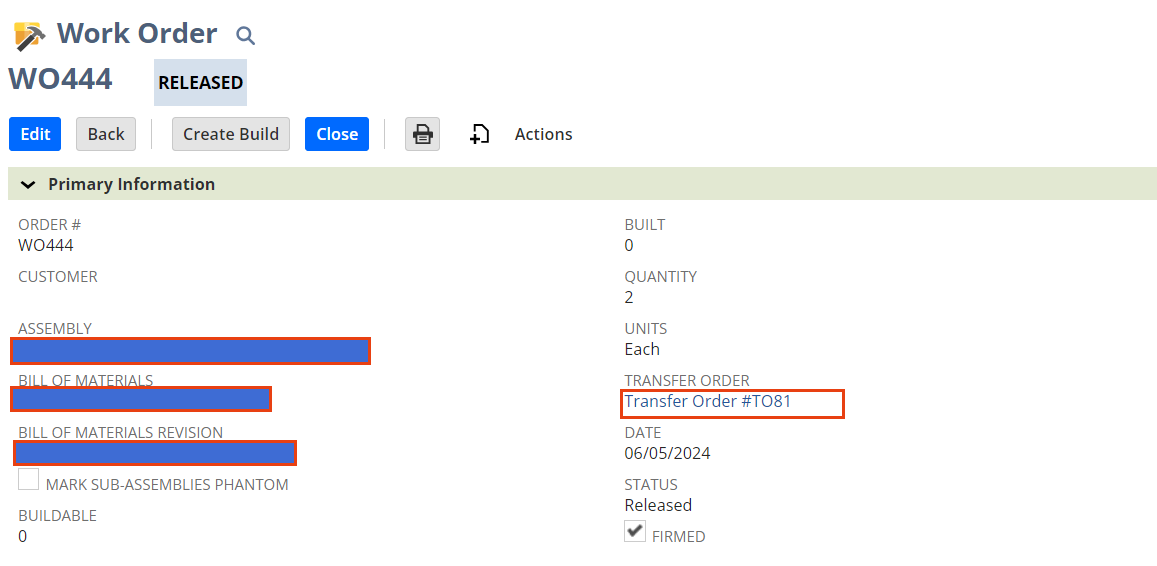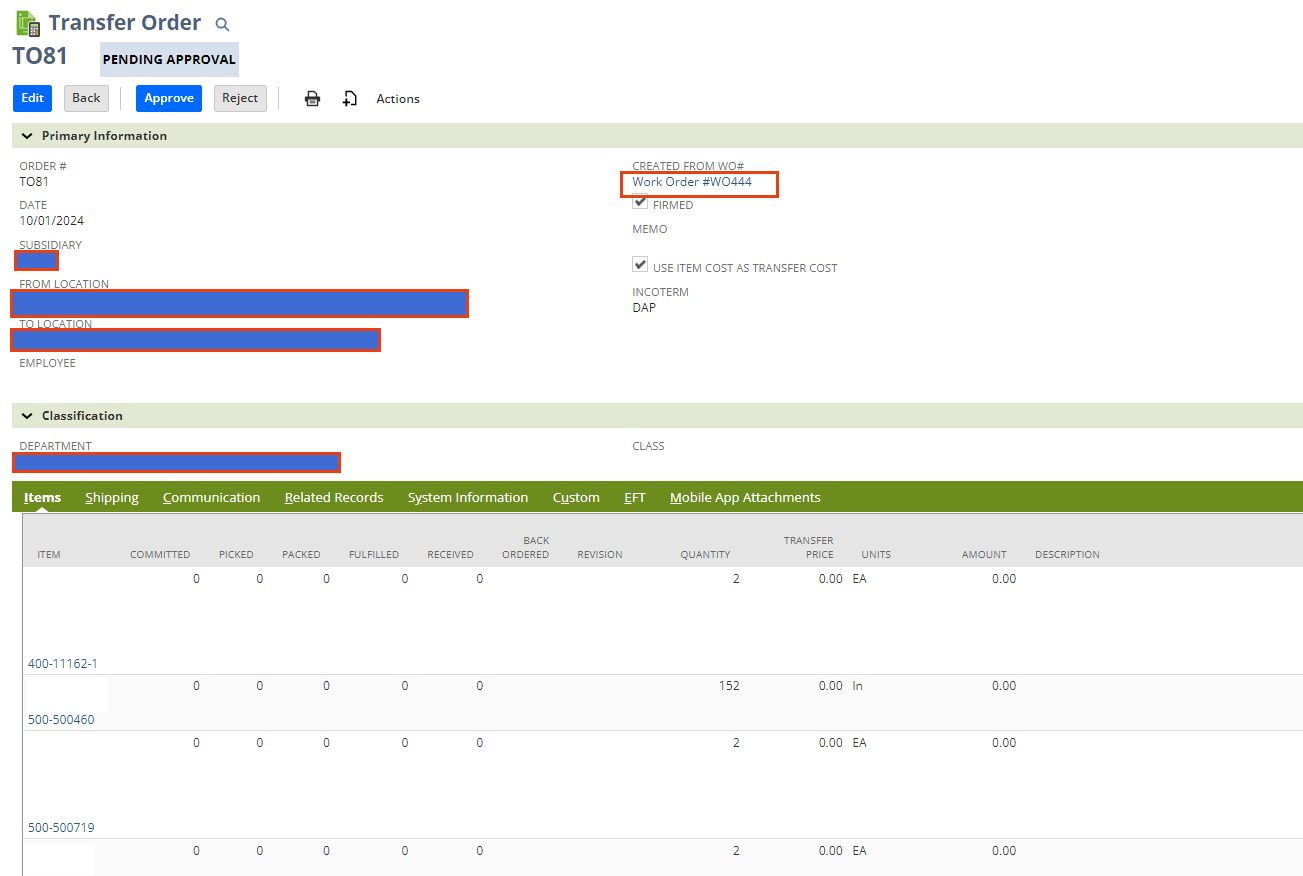
Manufacturers with complicated Bills of Materials (BOMs) often need to move inventory from a stock warehouse to a production line. There is no native way in NetSuite to do this without manually creating a transfer or exporting a BOM and creating a Transfer Order by CSV import. Whether manual or CSV, both are tedious, time consuming and potentially susceptible to errors. WO2TO solves this by creating a Transfer Order from a Work Order with a simple button push. This customization grabs the destination of TO from the Work Order location. It populates all of the components from the selected BOM/BOM Revision and populates those to the TO. The source location is defaulted in the configuration settings. Once the Transfer Order is created, a link to the Transfer Order is added to the Work Order and a link to the Work Order is added to the Transfer Order.